





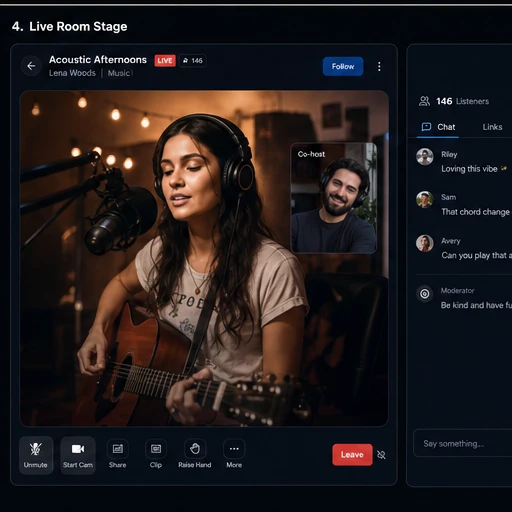
Live audio + video
Instant or scheduled Streams with public, private, password-protected and unlisted formats.
StreamVault brings the stage, the conversation and everything after it into one place—so creators can go live and communities can keep going.

Stage requestReady to join
Live togetherAudio, video and screen share
Ask G5Room-aware, public replies
Keep the momentReplay, clip and publish
Host audio or video Streams with co-hosts, moderators, hand raises, screen sharing and a stage built for participation.
Live Rooms selected
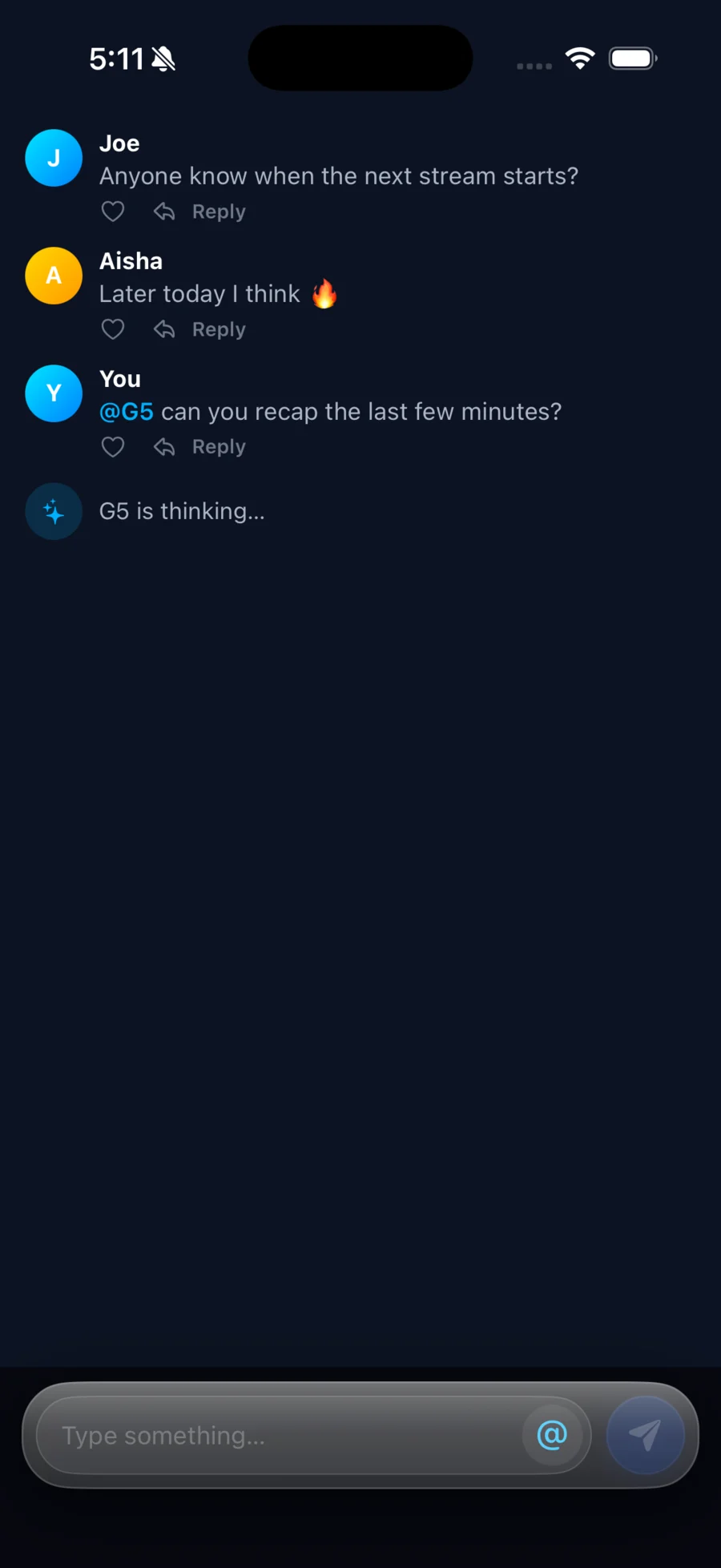
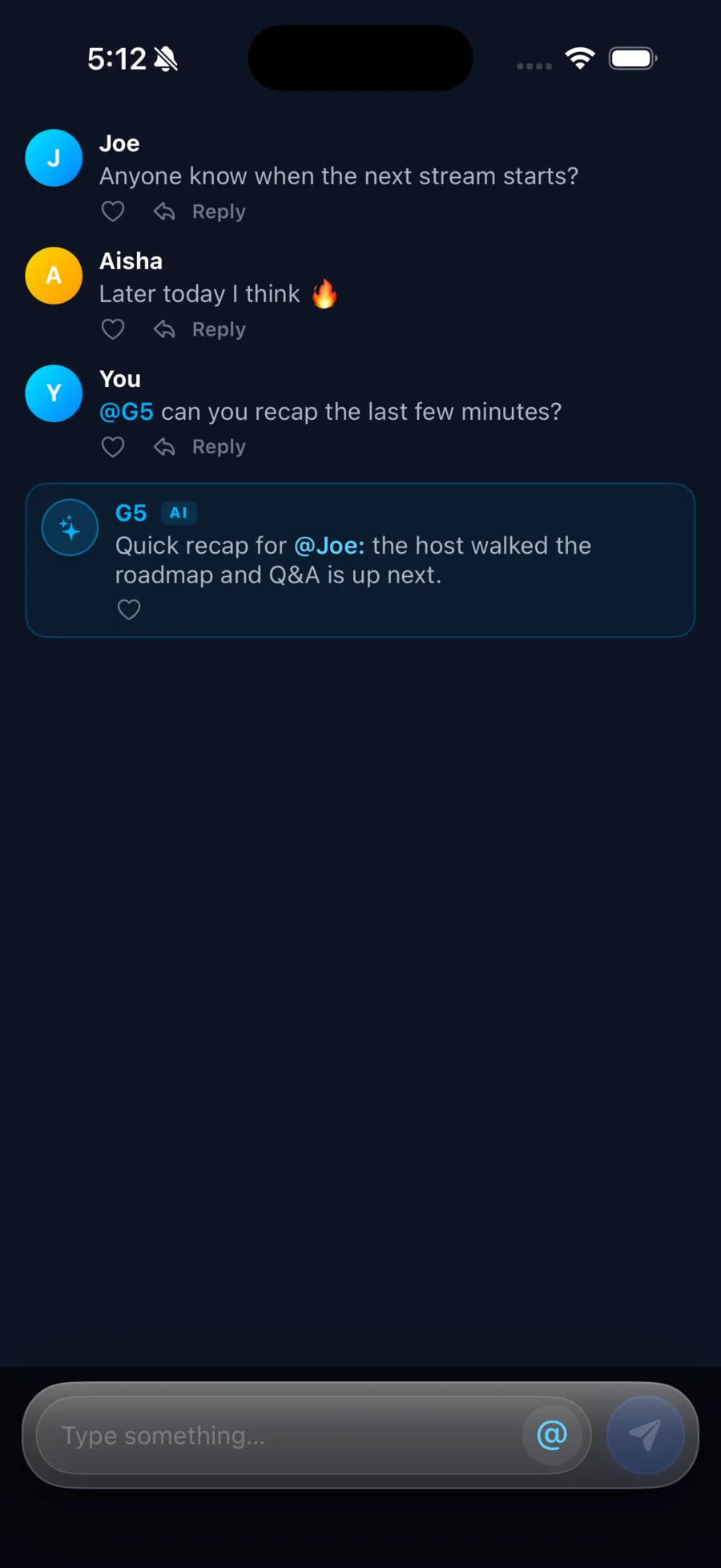
Type @G5 in a live Stream and G5 responds inside the same public chat. It can use the recent conversation, the room roster and the active poll to keep its answer relevant.
The feature set is broad, but the product stays coherent: every path leads back to people, Channels and live conversation.
Instant or scheduled Streams with public, private, password-protected and unlisted formats.
A live-chat AI summoned with @G5, aware of the recent conversation and active poll.
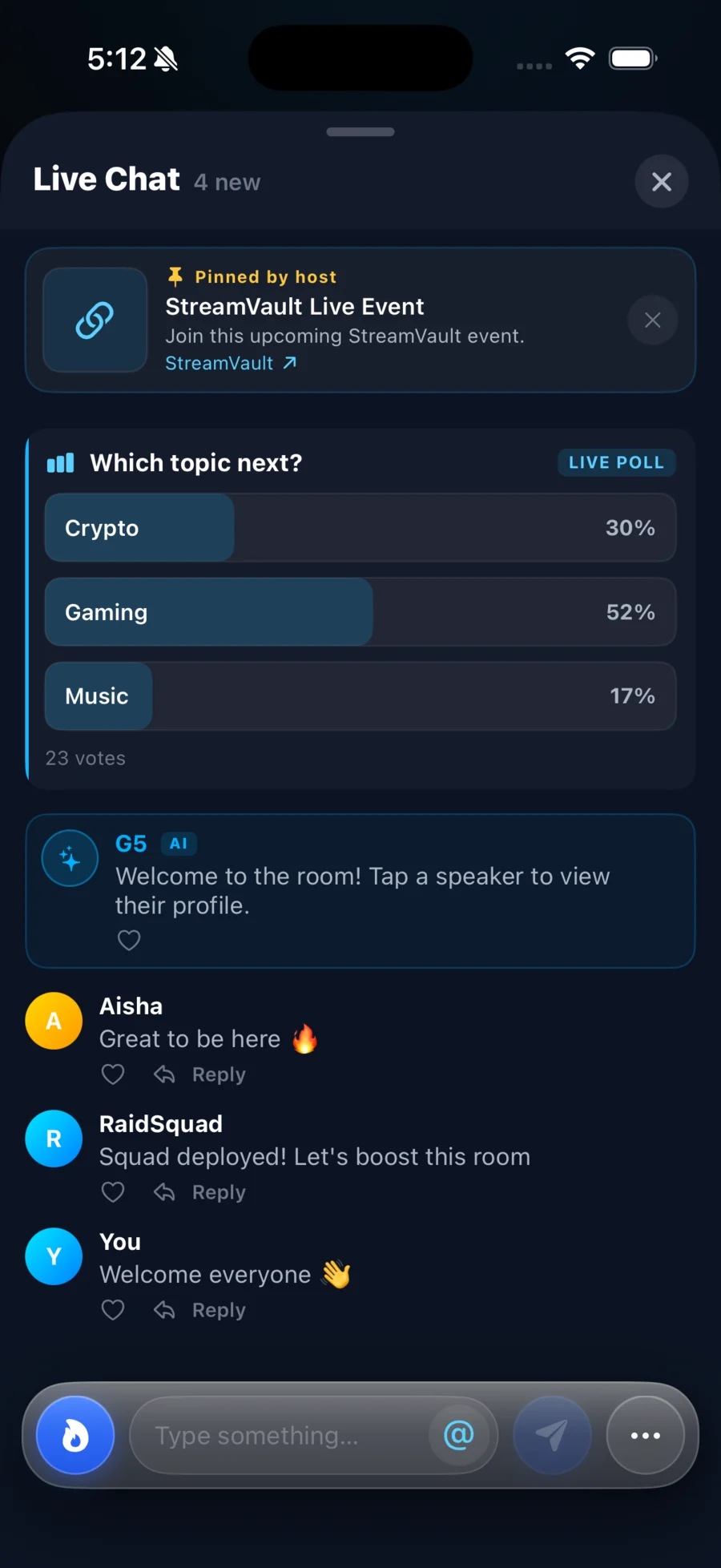
Replies, mentions, rich links, polls and history that late joiners can catch up on.
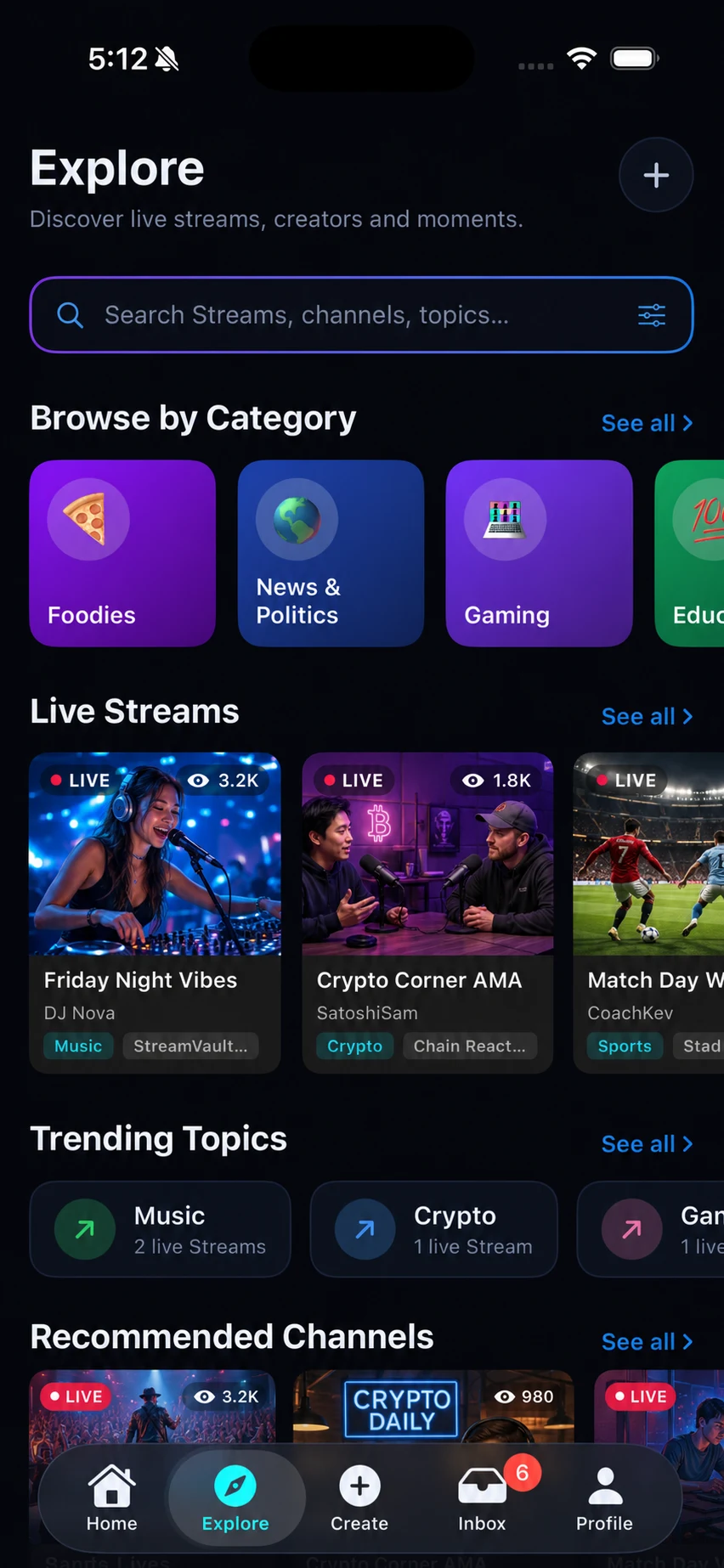
Explore live rooms, creators, topics, categories, upcoming Streams and recommended Channels.
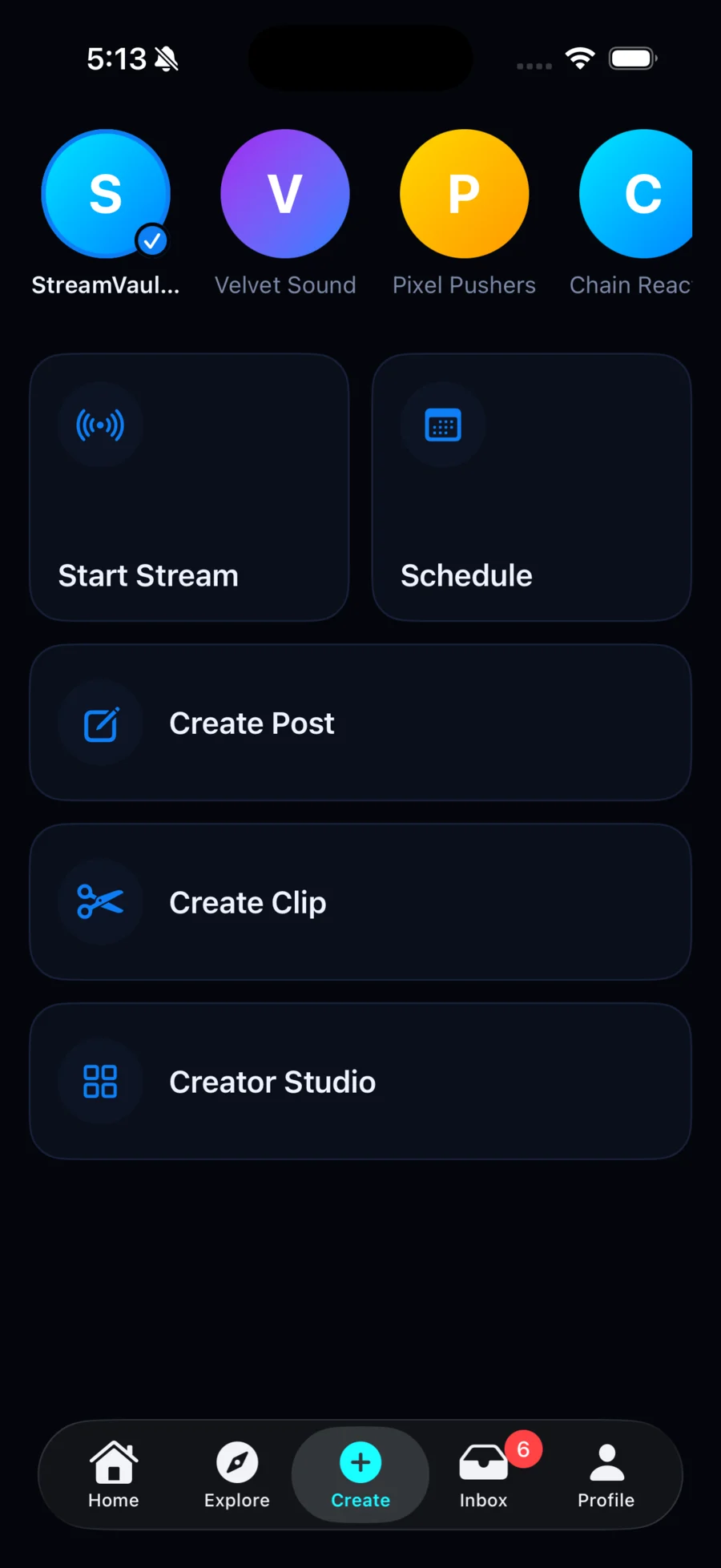
Go live, schedule, create a Channel post, cut a clip or open Creator Studio.
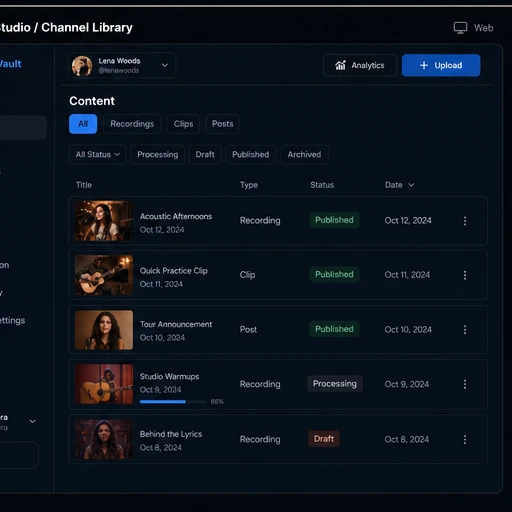
Manage Channels, recordings, clips, drafts, posts, schedules, publishing and insights.
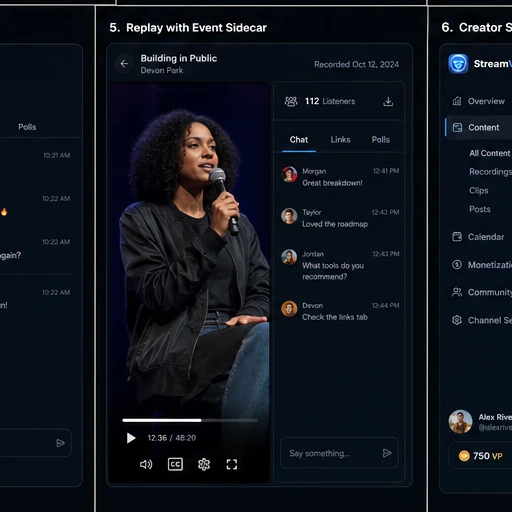
Keep saved Streams useful, cut the strongest moments and publish them back to the Channel.
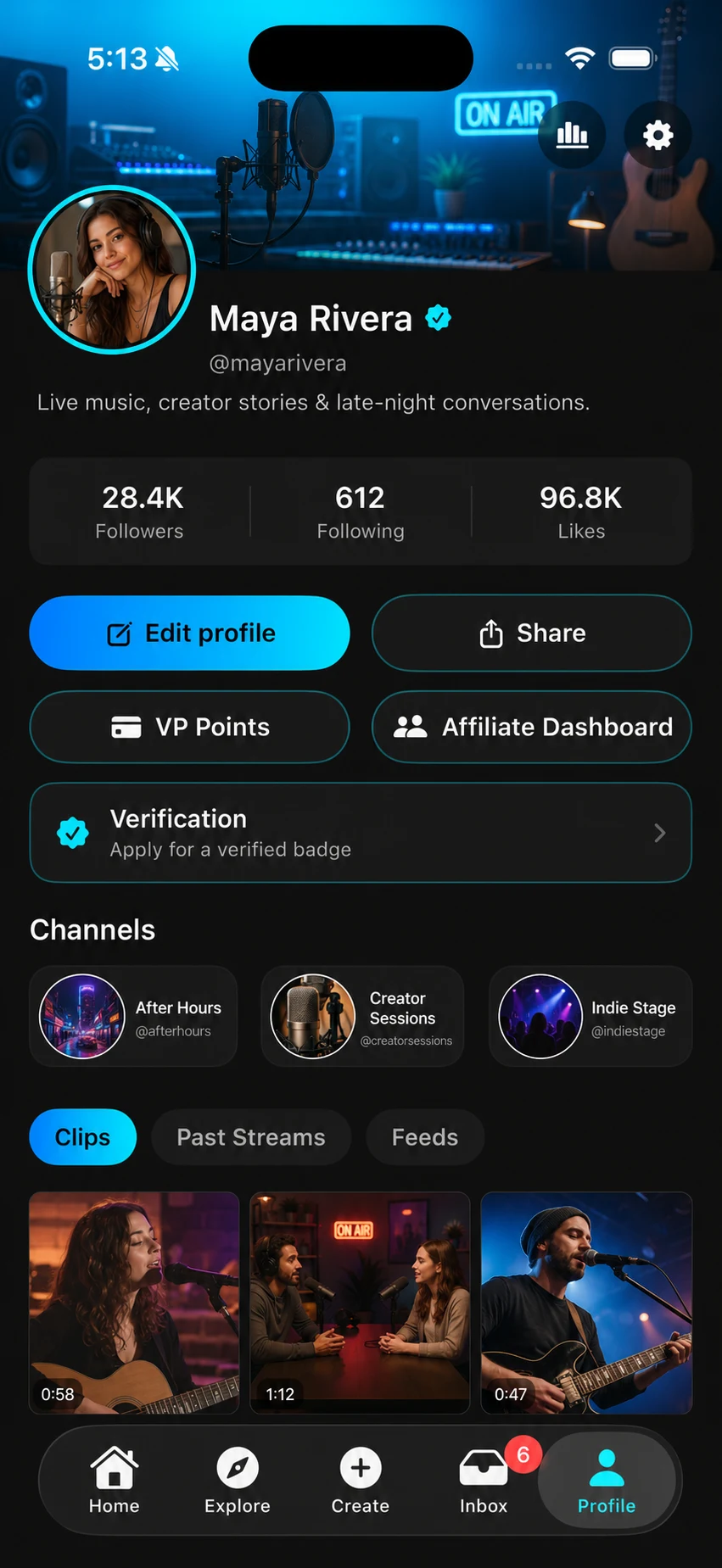
Follow people and Channels, publish between Streams, and bring the whole creator identity together.
StreamVault connects the live room to the Channel, replay, clips and Creator Studio—without turning the audience into a spreadsheet.

Replay readyCut clips and publish
Choose the Channel, format, access and time.
Run the stage, chat, polls, links, G5 and moderation.
Keep the replay, cut clips and post to the Channel.
Use Creator Studio and analytics to plan what comes next.
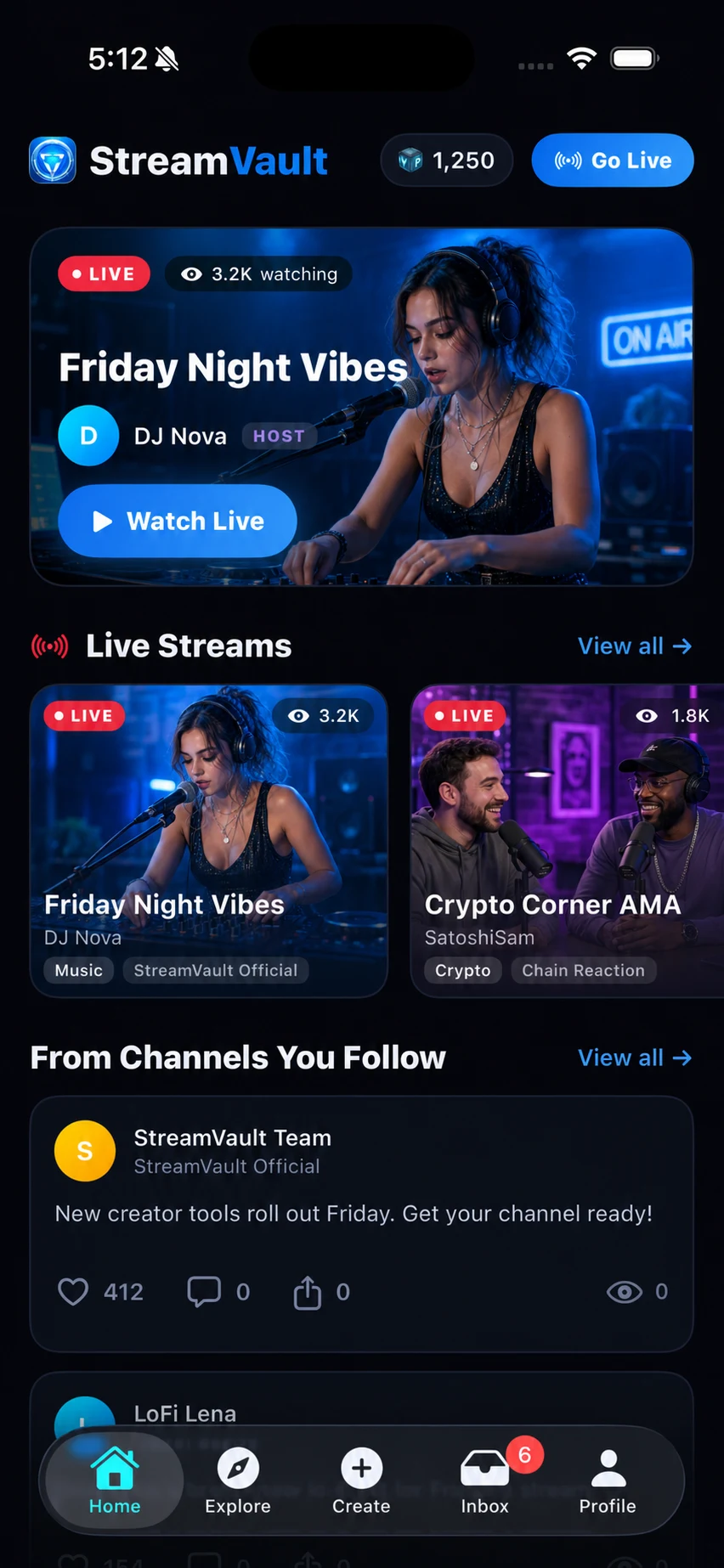
Explore what is live, follow Channels, join chat, vote in polls, ask G5 and keep the strongest moments close.
Join StreamVaultHost, schedule, publish, manage Channels, shape recordings into clips and keep the community active between Streams.
Start creatingHosts and moderators can manage the stage, mute, remove or ban participants, and respond to reports. People can block accounts, manage privacy and control who follows them.
Still deciding? Open the app and explore the product directly.
Open StreamVaultStreamVault is a social live audio and video platform for real-time conversations, Channels and creator communities. People can host or join Streams, participate in chat and polls, follow creators, and return through replays and clips.
G5 is StreamVault’s in-room AI. During a live Stream, a participant can mention @G5 in chat. G5 uses recent room context and the active poll, shows a thinking state, then publishes a short reply that everyone in the room can see.
Yes. StreamVault supports live audio and video rooms, camera and microphone stage roles, co-hosts and moderators, as well as screen sharing in Big Screen.
When recording is enabled, the Stream can become a replay. Creators can manage recordings in Creator Studio, cut clips, choose thumbnails and publish those moments to a Channel.
Creators can run Channels, schedule Streams, publish posts and media, share recordings and clips, manage staff, follow engagement, and keep the conversation active between live sessions.
StreamVault has product surfaces for web, native iOS and native Android. The landing-page actions open the web experience; verified public mobile-store links can be added when those listings are ready.
 Your voice. Your people.
Start the room the rest of your community can grow from.